How to Promote Daily Specials With Digital Screens
A great daily special only works if customers know about it.
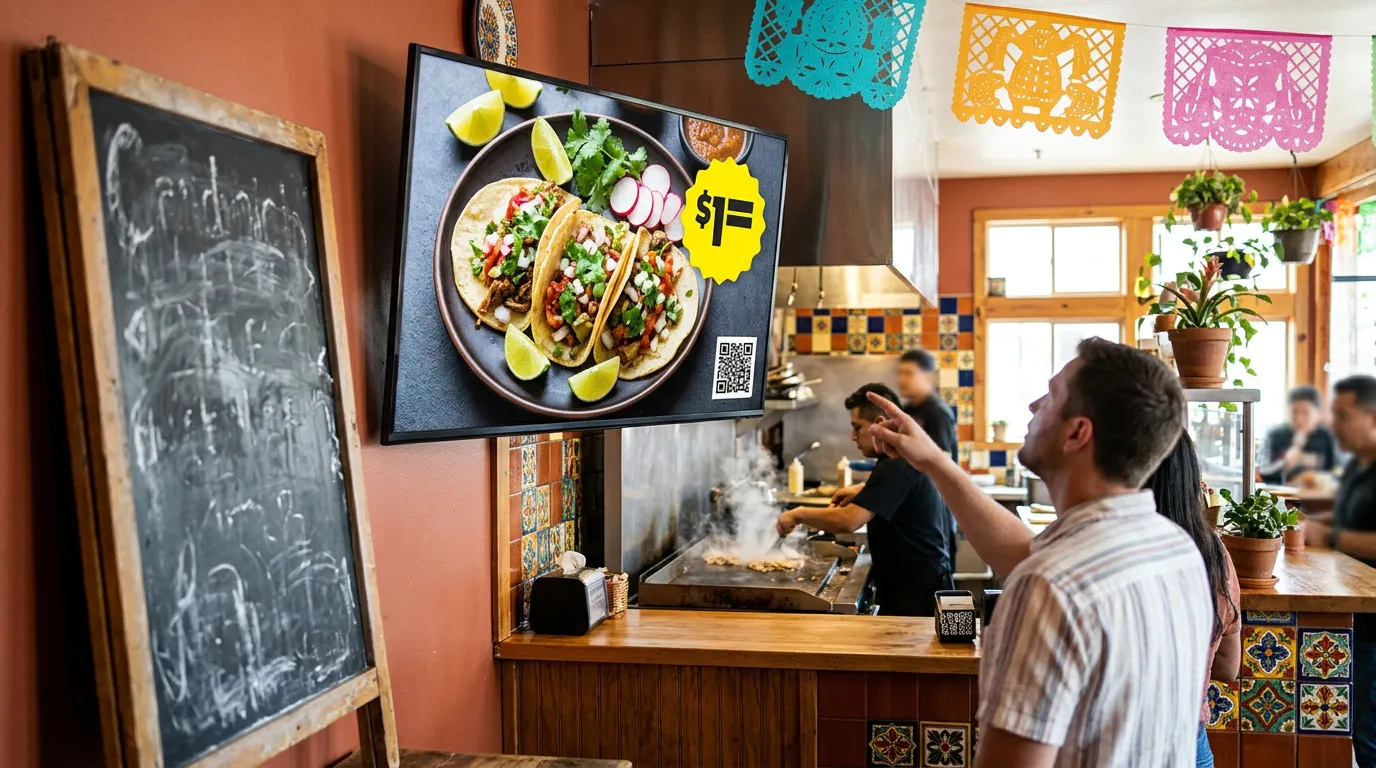
Too often, the special is written on a small chalkboard by the door, mentioned by staff when they remember, or posted online where walk-in customers never see it. By the time someone notices, they've already ordered.
If you want to promote daily specials properly, put them where customers are already looking while they decide. For most restaurants, cafés, and shops, that means a screen.
This guide covers how to promote daily specials with digital screens: what makes a special worth featuring, where to show it, how to design it, and how to schedule it so it changes without anyone climbing a ladder.
Why Digital Screens Work for Daily Specials
A printed sign can't keep up with something that changes every day. Reprinting isn't practical, and a handwritten board only reaches the people who walk past it.
A screen fixes both problems:
It changes quickly. Update the special from your phone or computer.
It gets noticed. Screens catch the eye more easily than static signs.
It sits where people decide. Behind the counter, in the window, or along the line.
It can run itself. Scheduled specials appear and disappear on time.
It costs nothing to change. There's no printing, and no leftover signs when the offer ends.
Compared with a chalkboard, a restaurant specials board on a TV also stays neat during a busy shift, and nobody needs to have good handwriting.
Start With a Special Worth Promoting
A screen can't rescue a weak offer. Before you design anything, make sure the special gives customers a clear reason to buy.
The best daily specials usually do one of these jobs:
Fill a slow period. A 2–4 PM coffee and pastry deal gives people a reason to come in.
Move extra inventory. Featuring what you have plenty of reduces waste.
Raise the order value. "Add a drink and side for $3" is simple to say yes to.
Give regulars something new. A weekly change keeps the menu interesting.
Showcase a high-margin item. Put attention on the items that earn you the most.
Keep the offer simple. If it takes more than a sentence to explain, customers will skip it.
5 Ways to Promote Daily Specials on Your Screens
1. Give the Special Its Own Slide
Add a full-screen slide to the rotation with one item, one photo, and one price. It's the simplest setup, and it works on almost any screen.
Keep it on screen long enough to read. Around 8 to 10 seconds is a sensible starting point, then adjust after watching it in your store.
2. Use a Split-Screen Layout
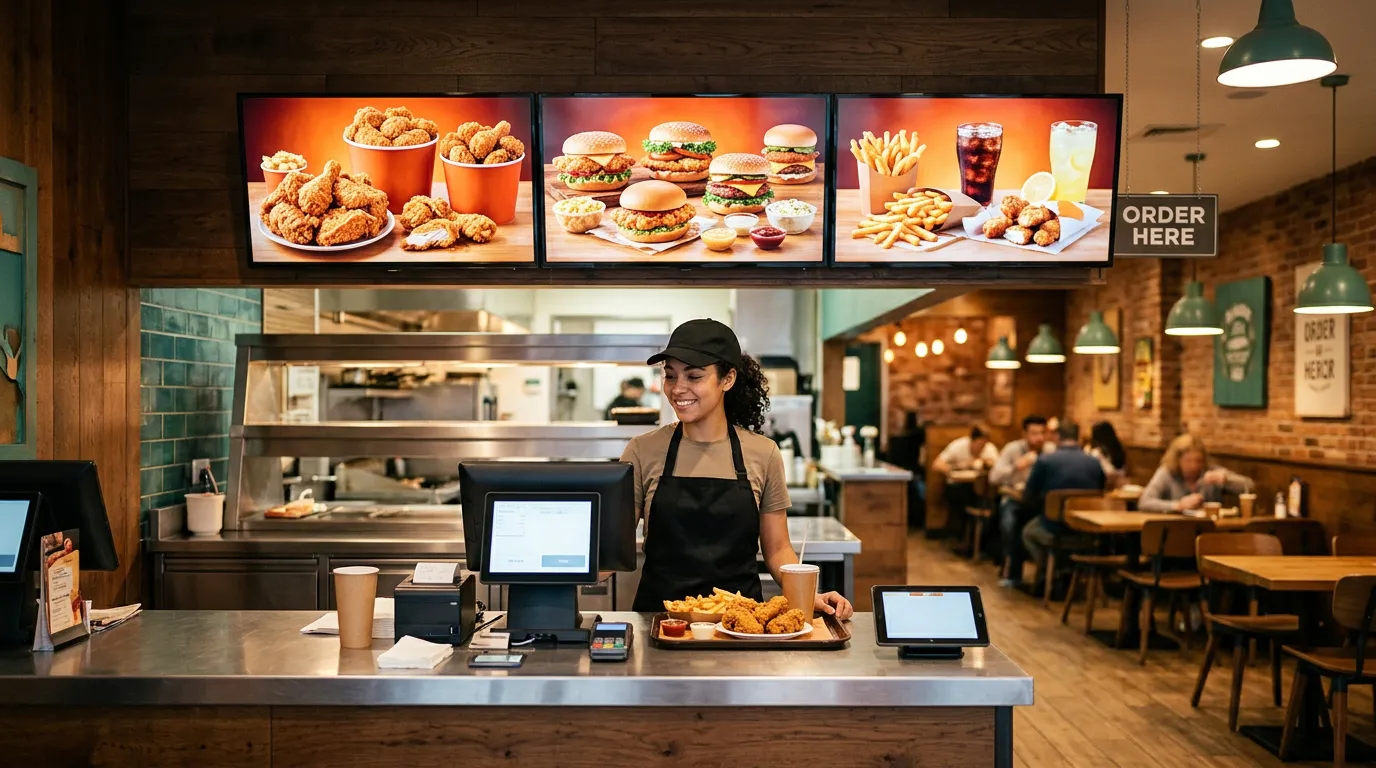
If you don't want the special to replace your menu, split the screen. Keep the regular menu on one side and the special on the other.
With Billiie Digital Signage, you can use full-screen or split-screen layouts, so the menu stays visible while the special gets its own space.
3. Dedicate One Screen to Specials
If you have three or four menu boards, use one for specials and promotions. Customers quickly learn where to look, and the rest of your menu stays stable.
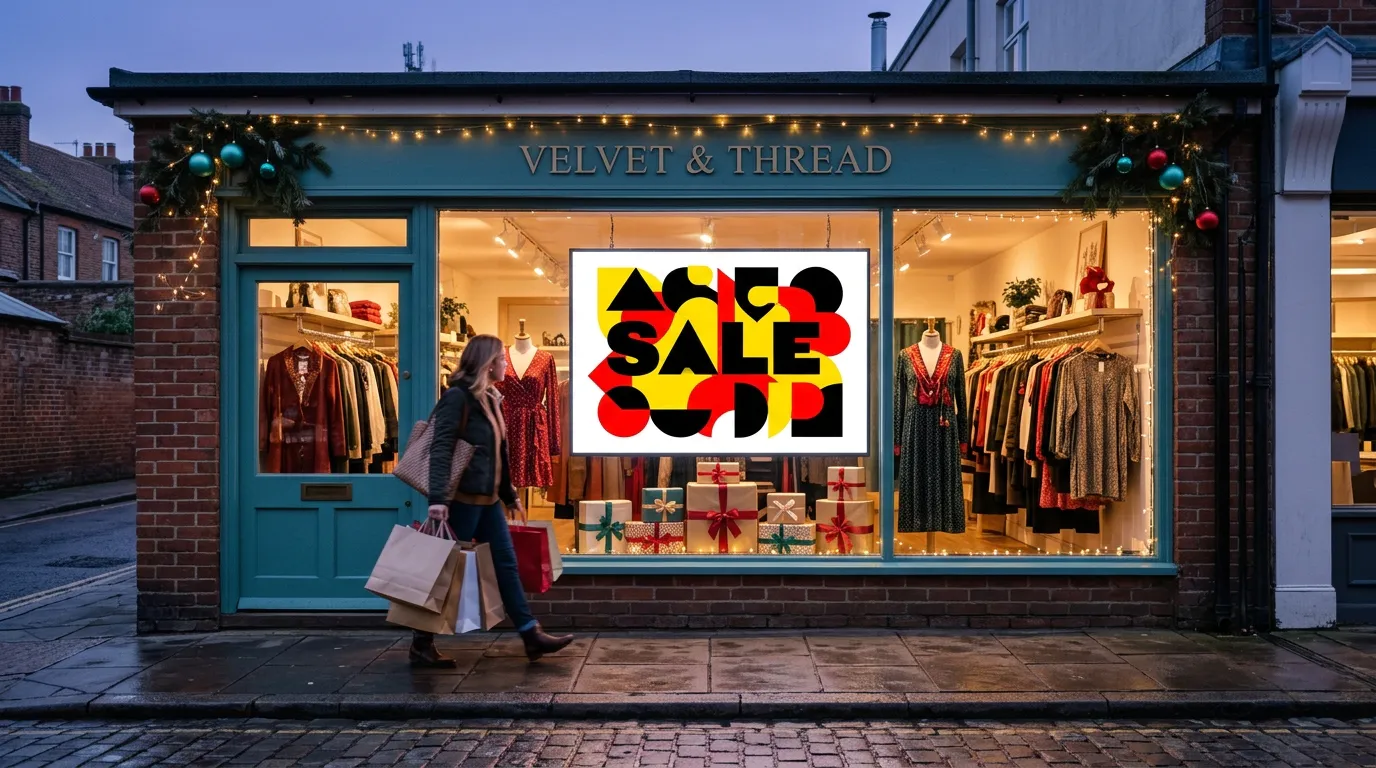
4. Put It in the Front Window
A window screen sells to people who haven't come in yet. Show one bold offer that can be read in a couple of seconds:
TODAY: 2 SLICES + DRINK — $7
For more ways to turn passersby into customers, see 7 low-cost ways to get more walk-in customers.
5. Add a QR Code So Customers Can Order It
If you offer QR ordering, place a QR code beside the special. Customers can scan it from the line or their table and order from their phone.
With Billiie Digital Menu Ordering, customers order from their phone's web browser with no app to download, and they can add extras and notes to their order.
Schedule Specials by Time and Date
Scheduling is what makes digital specials practical. Nobody has to remember to change the screen during a rush.
With scheduled content in Billiie, you can set when a special appears and when it ends:
A lunch specials display that runs late morning through 3 PM
A happy hour offer that starts in the late afternoon
A weekend brunch menu that shows only on those dates
A limited-time item with an end date, so it disappears automatically
That last one matters more than it sounds. An expired offer on the screen creates awkward conversations at the register and can undermine trust. An end date takes care of it.
A simple routine helps too. Prepare the coming week's specials on a quiet day, upload them together, and schedule each one. The screens then take care of themselves.
How to Design a Special People Will Actually Read
Customers give a screen only a few seconds of attention, so keep it simple:
One offer per slide. Don't stack three deals together.
Lead with the item or the deal. "Taco Tuesday" works better than a long headline.
Show the price clearly. Make it one of the largest things on the slide.
Use one great photo. A bright, appetizing shot beats several small ones.
Use strong contrast. White or yellow text on a dark background reads well from a distance.
Keep the wording short. Aim for words customers can read while walking.
Our menu board design tips and guide to the best colors for digital signage go into more detail.
Billiie displays your finished images and videos, so create your designs in a free tool like Canva or work with a designer. Design landscape slides at 1920 × 1080 pixels and portrait slides at 1080 × 1920 pixels.
Daily Specials Ideas by Business Type
Not sure what to feature? Here are a few starting points.
Restaurants and delis: Soup and half-sandwich lunch deals, or a chef's special
Pizza shops: Slice-and-soda lunch deals and family bundles. See our guide to digital signage for pizza shops.
Coffee shops: Afternoon drink and pastry pairings, or a seasonal latte. See digital menus for coffee shops.
Bars: Happy hour pricing and game-day specials
Bakeries: Today's fresh item, or end-of-day boxes
Salons and barbershops: Weekday appointment offers and add-on services
Convenience stores: Coffee, snack, and hot-food combos
Common Mistakes to Avoid
Too much text. If customers can't read it at a glance, they won't.
Forgetting to remove old offers. Always set an end date.
Showing specials too briefly. A fast rotation means nobody finishes reading.
Burying the price. People want to know what it costs.
Featuring too many specials. When everything is special, nothing stands out.
Using low-resolution photos. Blurry food doesn't sell.
Not telling staff. Your team should know what's on the screen today.
How to Know If It's Working
You don't need complicated reporting. Pick one special and compare its sales during the week it's featured with a normal week.
Your point-of-sale reports will usually show you enough. Try changing one thing at a time, such as the photo, the price, or the time of day. Keep what sells and drop what doesn't.
What You Need to Get Started
A TV. You may already have one.
A Fire TV Stick, or a TV with Fire TV or Google TV built in, to run the Billiie app.
Wi-Fi.
Your finished special, designed as an image or video.
Our guide on how to create a digital menu board walks through the full setup. See more ideas for restaurants using digital signage.
Start With One Special
You don't need a full campaign. Choose one offer for tomorrow, put it on a screen, and set an end date.
With Billiie, your first screen is free, forever, and each additional screen is $1 per month. Create your Billiie account and put today's special where customers will actually see it.
Ready to bring Billiie to your business?
Manage your screens, content, and locations from one simple dashboard.
No commercial signage hardware neededPowered by Billiie