
How Much Does Digital Signage Cost for a Small Business?
Digital signage has a reputation for being expensive. Many business owners picture commercial displays, special media players, installation crews, and software contracts.
For some large organizations, that's accurate. For most small businesses, it isn't.
So how much does digital signage cost for a small business? It depends on four things: the screens, the device that runs them, installation, and the software. This guide breaks down each one, with example budgets for one screen, a four-screen restaurant, and a multi-location business.
The Four Costs of Digital Signage
Every digital signage setup has the same basic parts:
1. The screen: a TV or commercial display
2. The player: the device that runs the signage app
3. Installation: mounts, cables, and labor
4. The software: what you use to upload and manage content
Some businesses also pay for content design. We'll cover that too.
The prices below are typical ranges for planning only. Actual prices vary by brand, size, retailer, and location.
1. Screen Cost
The screen is usually the biggest upfront cost.
Consumer smart TVs: Roughly $150 to $400 for a 43- to 55-inch 4K TV, depending on brand and sales.
Larger consumer TVs: 65 inches and up often cost more, sometimes significantly more.
Commercial displays: Often $500 to $800 or more for a similar size, depending on brightness, operating-hour rating, and warranty.
For many small businesses open normal hours indoors, a consumer TV is a practical choice. Commercial displays make more sense for screens that run very long hours, face bright windows, or are part of a large rollout.
Our guides to the best TVs for digital signage in 2026 and commercial TVs vs. regular TVs go deeper.
If you already have a TV, your screen cost may be $0.
2. Player Cost
The player is the device that runs your signage software.
TV with Fire TV or Google TV built in: Often no extra device is needed.
Streaming stick: A Fire TV Stick or a Google TV device typically costs roughly $25 to $60.
Dedicated signage media players: Some platforms require their own hardware, which can cost considerably more.
Billiie runs as an app on Fire TV and Google TV devices, so many businesses can use a TV they already own or add an inexpensive streaming stick. Check which devices your software supports before you buy hardware.
3. Installation Cost
Installation can be very cheap or surprisingly expensive, depending on the job.
Wall mount: Roughly $20 to $100 per screen, depending on size and type.
Cables and power: Usually a small cost if outlets are nearby.
DIY installation: $0 if you or your staff are comfortable mounting a TV.
Professional installation: Often around $100 to $300 per screen, and more for high walls, hidden wiring, or new electrical outlets.
Plan for power and Wi-Fi before choosing the final spot. Running a new outlet to an awkward wall can cost more than the TV. Our guide on where to place digital signage in a retail store covers placement.
4. Software Cost
Digital signage pricing for software varies more than any other part of the budget.
Many popular signage platforms charge roughly $8 to $20 per screen per month, based on public pricing pages we checked in October 2026. Some require annual contracts, and some charge more for features like scheduling or multiple users.
Signage software cost adds up because it's a monthly fee for every screen, every month. A business with 10 screens at $10 per screen pays $100 per month, or $1,200 per year.
Billiie Pricing
With Billiie Digital Signage:
Your first screen is free, forever. It shows a small Billiie watermark.
Each additional screen is $1 per month. Paid screens don't show the watermark.
You can remove the watermark from your free screen for $1 per month.
No contracts. Cancel anytime.
That covers uploading finished images and videos, scheduling content by time and date, setting end dates, full-screen and split-screen layouts, and managing every screen from one dashboard. See the full comparison on our pricing page.
5. Content Design (Optional)
Digital signage software displays your content. Someone still needs to design it.
Do it yourself: Free design tools like Canva offer menu and promotion templates.
Hire a designer: Prices vary widely, often from about $50 to a few hundred dollars per design, depending on complexity.
Billiie displays finished images and videos rather than providing an in-app editor, so you can design with whatever tool or designer you prefer. Our menu board design tips can help you get it right yourself.
Example Budgets
Here's what digital signage might cost in three common situations. These are estimates using the planning ranges above.
One Screen for a Small Shop
TV: $0 if you already have one, or around $200 for a new 50- to 55-inch Fire TV
Player: $0 with Fire TV built in
Mount: About $40, installed yourself
Software: $0 per month with Billiie's free screen, or $1 per month to remove the watermark
Estimated total: about $40 to $240 upfront, then $0 to $1 per month.
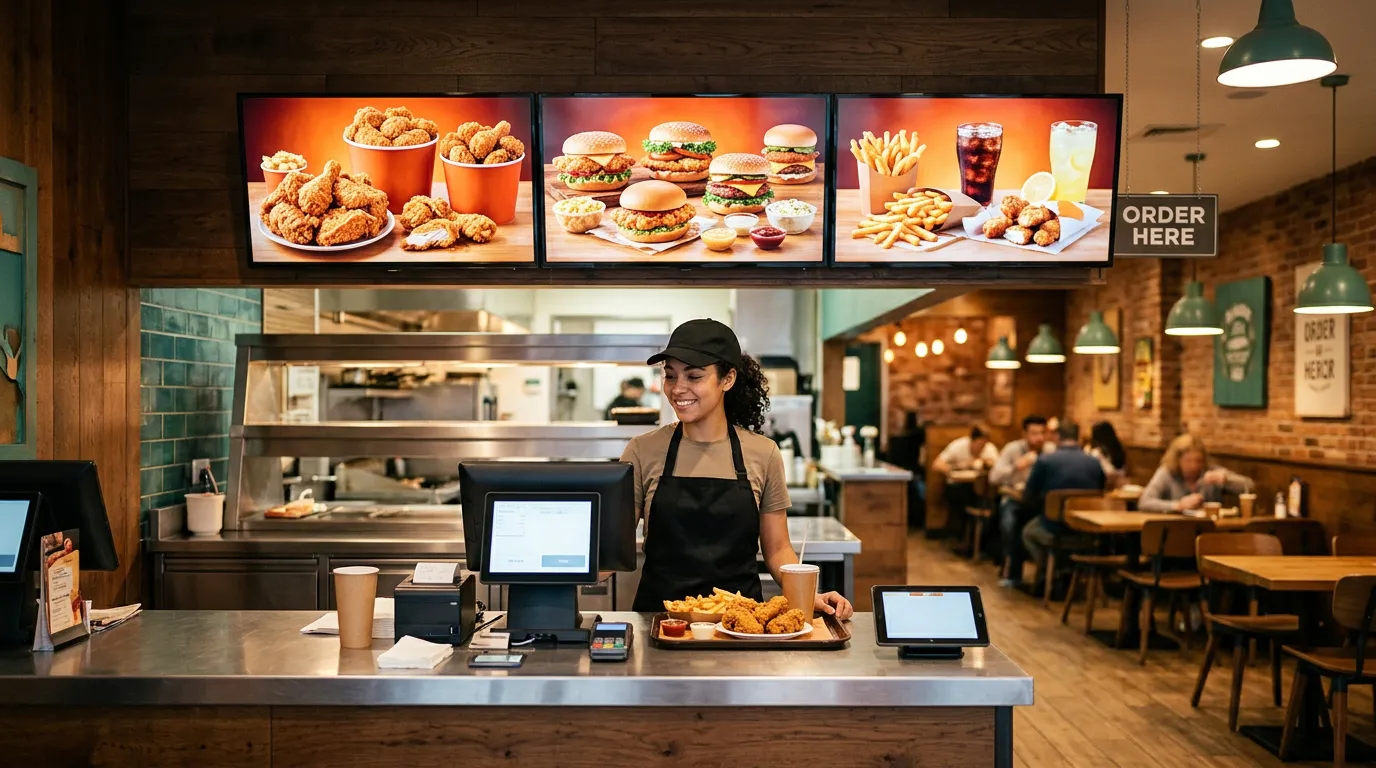
A Four-Screen Restaurant Menu Board
TVs: 4 × $200 = $800
Players: $0 with Fire TV built in
Mounts: 4 × $40 = $160
Installation: $0 to $800, depending on DIY or professional
Software: $3 per month with Billiie (first screen free, three at $1), or $4 per month with no watermark at all
Estimated total: about $960 to $1,760 upfront, then $3 to $4 per month.
For comparison, software at $10 per screen would cost $40 per month, or $480 per year, for the same four screens.
A Multi-Location Business With 15 Screens
TVs: 15 × $200 to $700, depending on consumer or commercial displays
Mounts and installation: varies by location
Software: $14 per month with Billiie (first screen free, 14 at $1), or $15 per month with no watermark
At $10 per screen, the same 15 screens would cost $150 per month, or $1,800 per year, in software alone.
Hidden Costs to Watch For
Annual contracts that lock you in before you know the software works for you
Per-feature pricing, where scheduling or extra users cost more
Required proprietary players that cost more than a streaming stick
Setup or onboarding fees
Replacement hardware if a cheap device fails often
Electrical work for screens in hard-to-reach spots
Ongoing design costs if you pay a designer for every update
Ask about all of these before you sign up for any platform.
How to Keep Digital Signage Costs Low
Start with a TV you already own. Many businesses already have one.
Use a TV with Fire TV or Google TV built in, or an inexpensive streaming stick.
Install it yourself if the wall and outlet make it easy.
Start with one or two screens, then add more once you see results.
Design with free tools like Canva.
Choose software without long contracts and with low per-screen pricing.
Use scheduling and end dates so you spend less time updating screens.
Is Digital Signage Worth the Cost?
Compare the cost with what it replaces. Printed menus and posters cost money every time a price or promotion changes, and a screen can promote more profitable items, advertise specials, and keep customers informed all day.
For a small business, the math often works quickly. A four-screen setup can cost a few dollars a month in software after the initial hardware purchase.
For ideas on how businesses use their screens, see 10 businesses that need digital signage right now and how restaurants use digital signage.
Start for Free
You don't need a big budget to start. Plug in a TV you already have, install Billiie on a Fire TV or Google TV device, and upload your first design.
Create your Billiie account and put your first screen to work for free.

Ready to bring Billiie to your business?
Manage your screens, content, and locations from one simple dashboard.
No commercial signage hardware neededPowered by Billiie