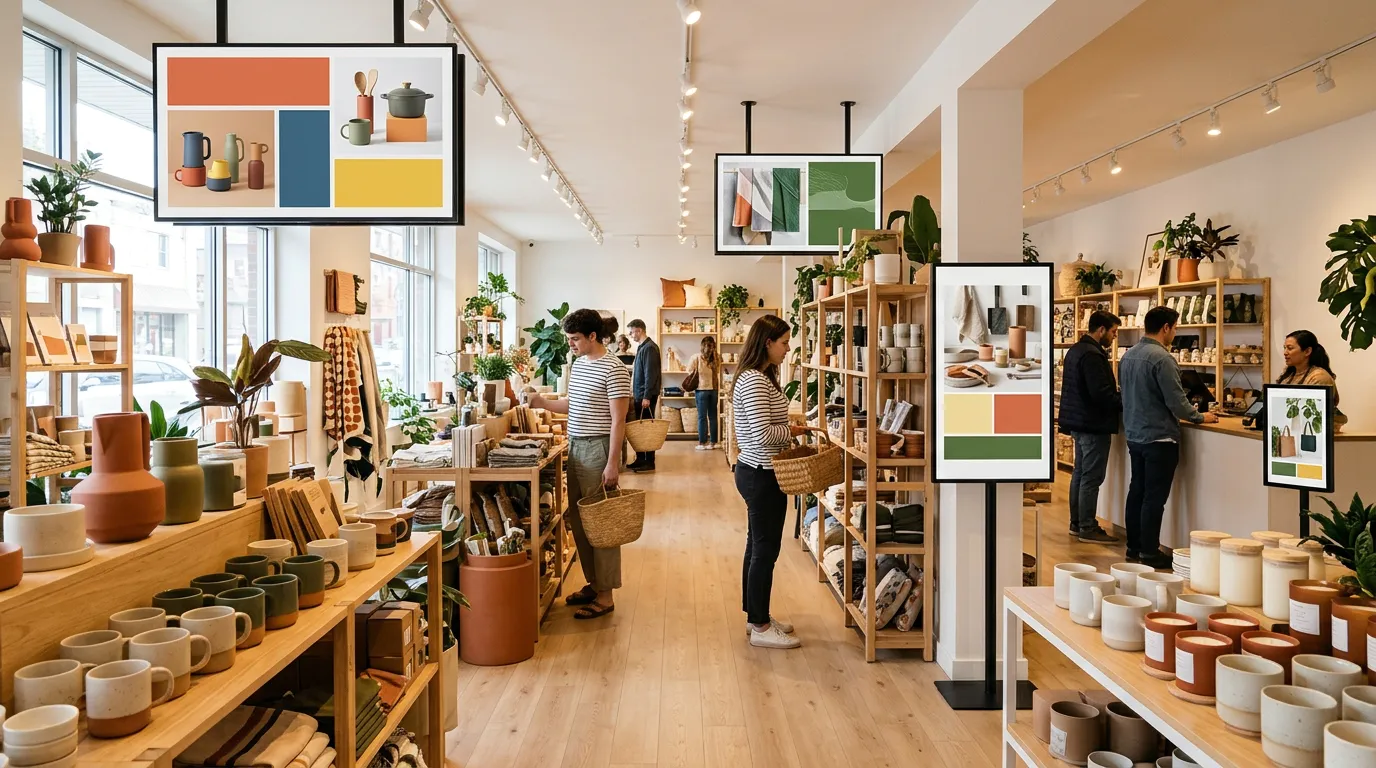
Where to Place Digital Signage in a Retail Store
A great promotion on the wrong wall is a wasted promotion.
Retail stores have dozens of places where a screen could go, but only a few where customers will actually look at it long enough to act. Put your screens in those spots and they can lift sales, move slow inventory, and make your store easier to shop. Put them in the wrong places and they become expensive decorations.
This guide covers digital signage placement in retail stores: the best spots for screens, what to show in each one, and the mistakes to avoid.
Start With How Customers Move Through Your Store
Before you mount anything, walk through your store the way a customer does.
Notice where people:
Slow down or stop
Look around to get their bearings
Wait in line
Decide between products
Ask staff for help
Those are your best screen locations. The goal of retail digital signage is to put the right message in front of customers at the exact moment it's useful, not to cover every wall with TVs.
1. The Front Window
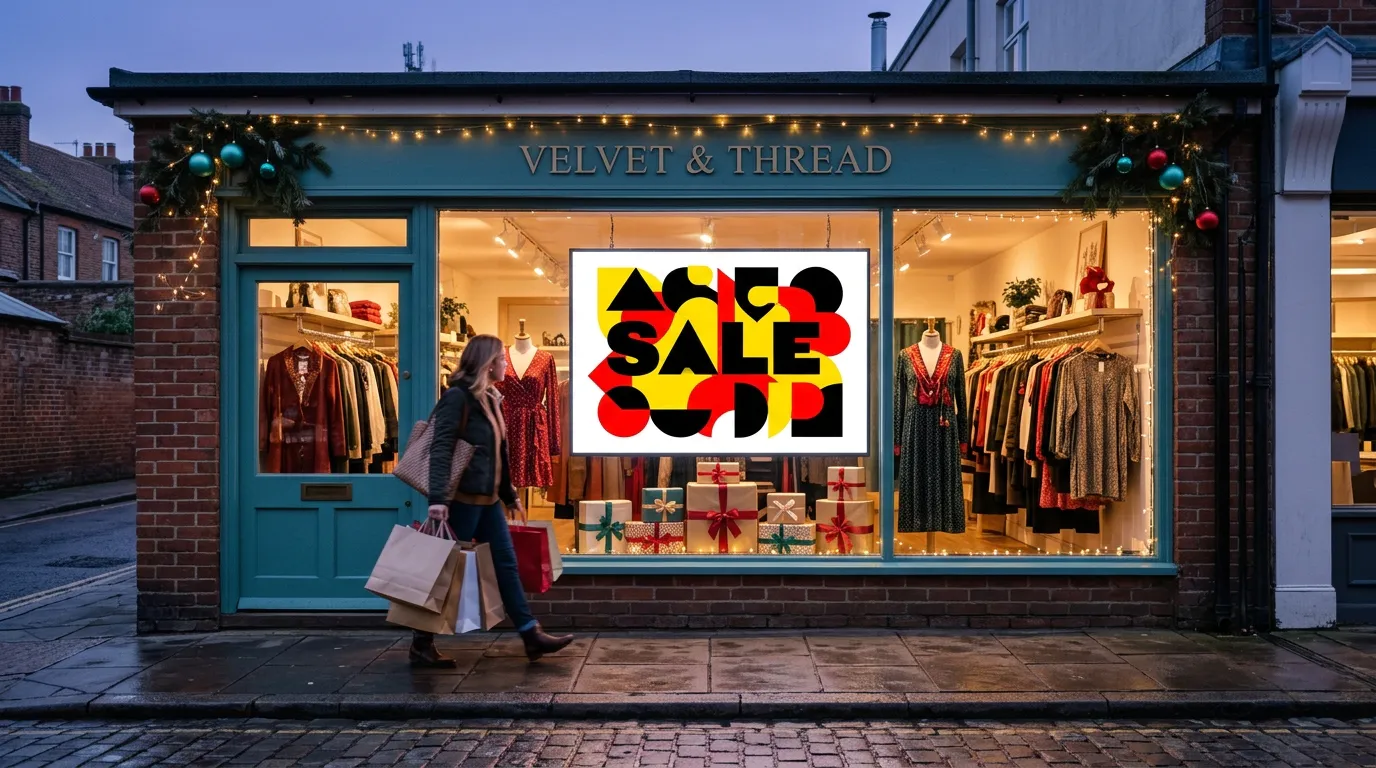
Your window is where people decide whether to come in at all.
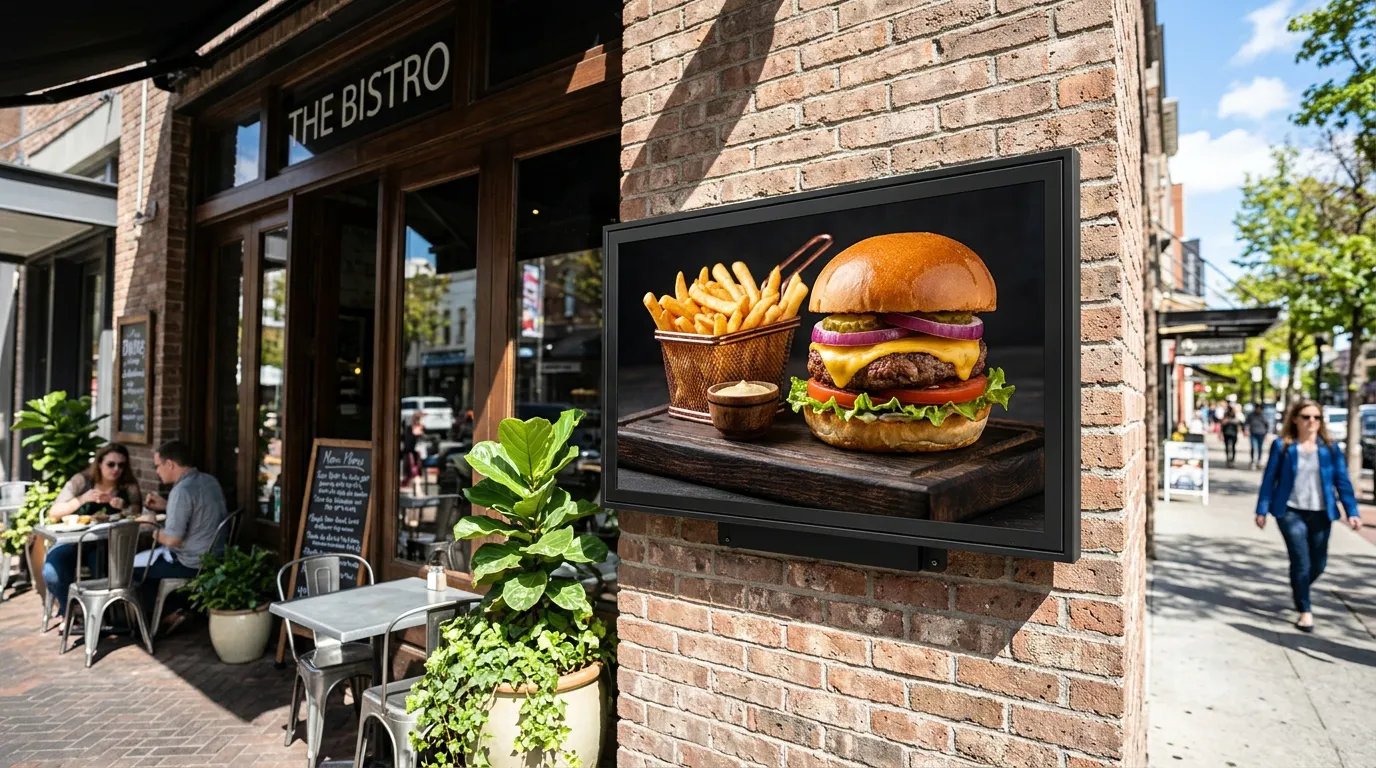
A screen facing the street can rotate your best offers, new arrivals, and seasonal promotions, giving passersby a reason to stop. Unlike a printed poster, it can change throughout the day and never fades in the sun.
Keep window display messages short and bold, because people are walking or driving past. One offer per slide works better than a crowded collage.
A few cautions: bright sunlight and window glare can wash out a regular indoor TV, so check the screen at different times of day. If the window gets direct sun, a brighter display may be worth it. Our guide to consumer TVs vs. commercial displays explains when that matters.
For more ways to turn passersby into shoppers, see 7 low-cost ways to get more walk-in customers.
2. Just Inside the Entrance
Right after customers walk in, they pause for a moment to get their bearings. Retailers sometimes call this the "decompression zone."
A screen here can welcome them and point them toward what matters most today: this week's sale, a new collection, or a featured department.
Don't place it in the first step or two inside the door, where people are still adjusting. A few steps in, where they naturally slow down and look around, works better.
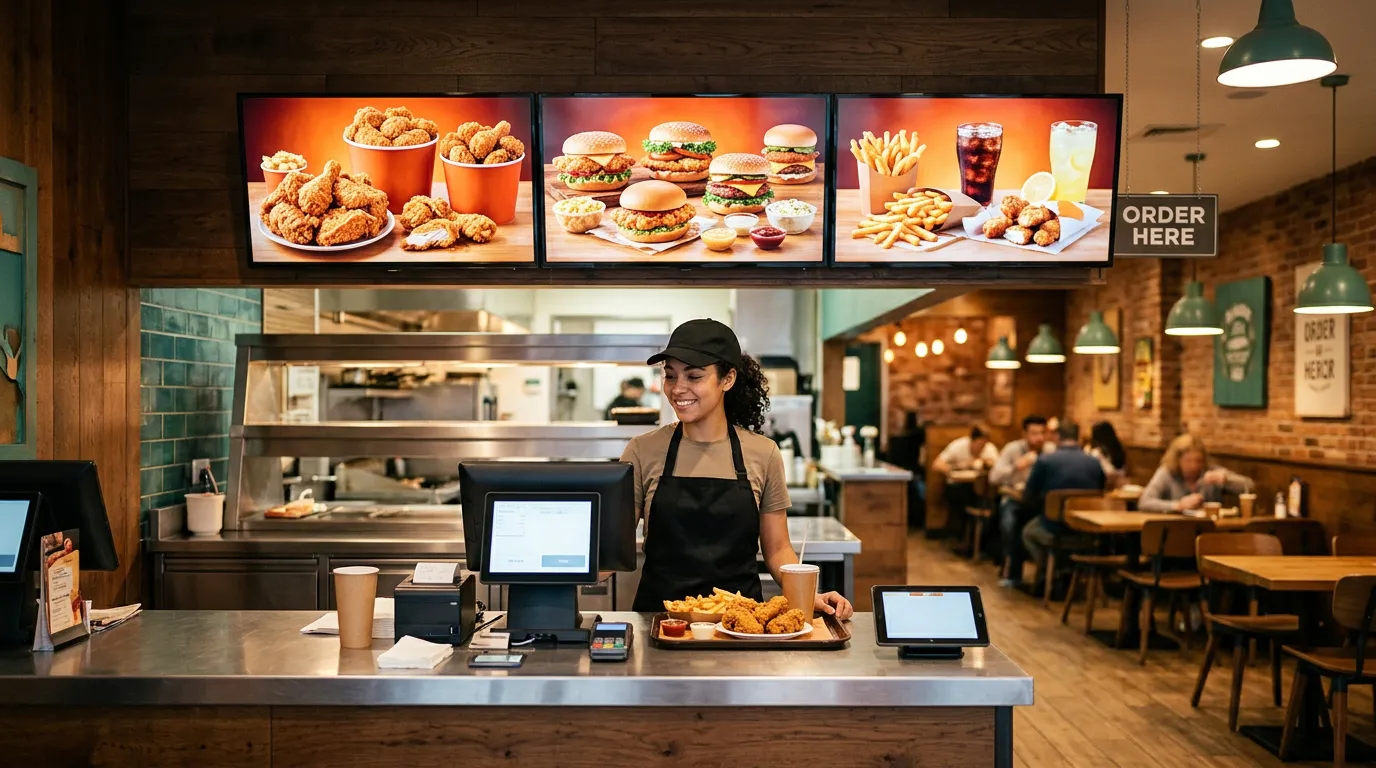
3. At the Checkout Counter
The checkout is the one place almost every customer stands still.
A checkout display is ideal for:
Small add-on items near the register
Loyalty programs and sign-ups
Gift cards
Upcoming sales or events
A QR code for reviews or your online store
Because people are waiting, they have time to read. But keep the message focused. One clear offer works better than a list of ten.
4. Along the Checkout Line
If your store gets busy enough for a line, that line is valuable space.
Customers waiting in line are bored and looking around. A screen along the queue can promote impulse buys stocked nearby, feature new arrivals, or simply make the wait feel shorter.
5. Near Featured Products and End Caps
A screen next to a product display can explain what a shelf label can't.
Show how a product works, what makes it different, or what it pairs with. A short video of a product in use can be especially effective, and it helps customers who'd otherwise need to find a staff member to ask.
This works well for products that need explanation, like electronics, beauty products, specialty foods, or anything new to your customers.
6. In High-Traffic Aisles and Departments
In larger stores, screens above or at the end of key aisles can help customers find their way and highlight department-specific promotions.
A grocery store might feature produce specials near the produce section. A hardware store might promote seasonal tools near the garden department. Matching the message to the location makes it far more relevant than a store-wide ad.
7. Near Fitting Rooms or Waiting Areas
Fitting rooms and waiting areas are where customers spend extra time, often while a friend or family member shops.
A screen here can show styling ideas, matching accessories, or current promotions. For more on making waiting time useful, see our page on digital signage for waiting rooms.
8. At the Pickup or Customer Service Counter
If you offer in-store pickup, returns, or a customer service desk, people wait there too.
Use the screen to show store policies, upcoming events, or a QR code linking to your full product list. If you have more products than fit on your shelves, a Digital QR Catalog lets customers scan and browse your full selection on their phone.
What to Show on Retail Store TV Screens
Whatever the location, the best content for store TV screens follows a few rules:
One message per slide. Customers glance, they don't study.
Big, readable text. If they can't read it from where they stand, it doesn't work.
Strong contrast. Our guide to the best colors for digital signage covers combinations that read well.
Match the location. Checkout screens sell add-ons; window screens sell the store.
Keep it fresh. Rotate promotions often enough that regular customers see something new.
With Billiie Digital Signage, you can schedule content by time and date, set end dates so expired sales disappear automatically, and use full-screen or split-screen layouts.
Mounting and Placement Tips
Mount at eye level or slightly above for screens customers walk up to; higher for screens that need to be seen over shelves or crowds.
Avoid glare from windows and overhead lights. Check the screen from where customers stand.
Don't block products or walkways. A screen should add to the shopping experience, not get in the way.
Plan for power and Wi-Fi before you choose the final spot.
Check TV power settings so screens don't go to sleep during business hours.
For more placement ideas, see our guide on how to choose the right placement.
Common Retail Signage Placement Mistakes
Too many screens showing the same thing. Each location should have its own job.
Screens too high to read. Customers won't crane their necks.
Cluttered slides. A wall of text gets ignored.
Outdated promotions. Nothing undermines trust faster than a sale that ended last week.
Forgetting the window. It's often the screen with the biggest impact.
Retail Signage Beyond Clothing Stores
These principles work for almost any retailer:
Convenience stores promoting drinks, snacks, and food counters
Dispensaries displaying product menus and brand promotions
Boutiques, gift shops, and specialty food stores
Hardware, pet, and beauty supply stores
Start With One or Two Screens
You don't need screens everywhere on day one. Most retailers get the biggest return from the window and the checkout, so start there.
With Billiie, your first screen is free, forever, and each additional screen is $1 per month. You can manage every screen from one dashboard, even across multiple locations.
Create your Billiie account and put your best promotions where customers will actually see them.
Ready to bring Billiie to your business?
Manage your screens, content, and locations from one simple dashboard.
No commercial signage hardware neededPowered by Billiie