What Screens Are Used for Digital Signage? A Guide for Small Businesses
If you’re choosing screens for your business, you may be wondering whether digital signage requires expensive equipment. With Billiie, you can get started using a compatible Fire TV or Android TV device to display menus, specials, promotions, and announcements. You upload finished images or videos, then manage what appears on your screens from your Billiie dashboard.
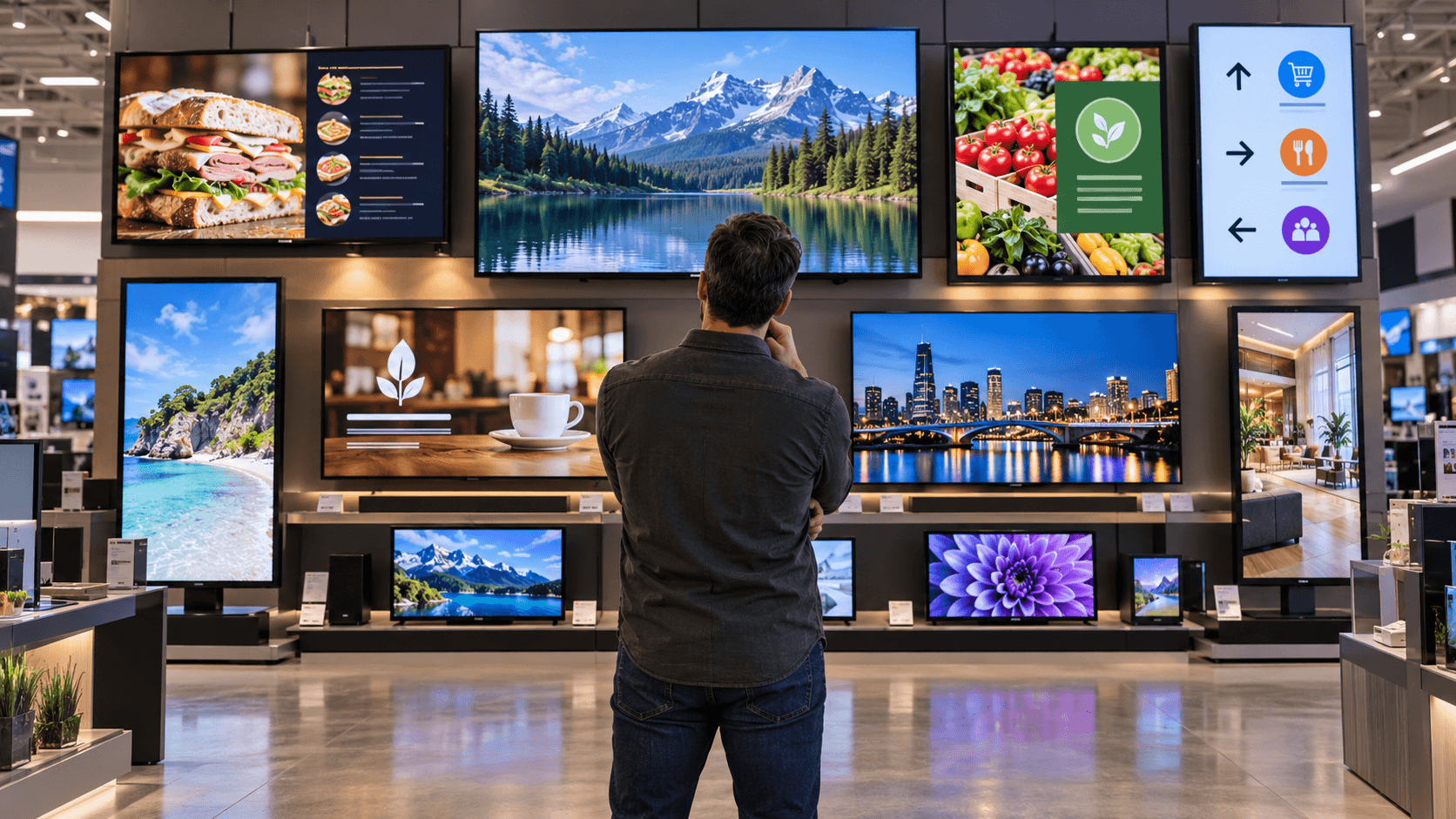
What screens are used for digital signage? The most common choices are smart TVs and commercial displays. For a small business using Billiie, a compatible TV can be a practical place to start. A deli might put digital menu boards above the counter, while a retail store might use screens for daily deals or aisle messages. If your display will run for especially long hours or face strong sunlight, you may also want to consider a commercial screen.
The screen is only one part of the setup. You also need a compatible device or TV platform, an internet connection, and digital signage software to send content to the display. Billiie supports Fire TV and Android TV devices and lets you manage multiple screens remotely, schedule uploaded content, and assign a screen to a team member.
This guide will help you choose a screen that suits your location, hours, and budget, then show how it fits into a Billiie setup. If you already own a TV, read our guide on how to turn a smart TV into a digital menu board.
What Types of Screens Can You Use With Billiie?
Shopping for a digital signage screen? You don’t need to memorize TV specifications. At the store, tell a sales associate you want to run the Billiie app on a TV for your business, then ask these questions:
Does this TV run Fire TV or Android TV?
Can I search for and install apps on the TV?
If the app isn’t available on this TV, does it have an HDMI port for a supported Fire TV or Android TV device?
If there’s a working display model, ask the associate to open its app store and search for “Billiie” with you. Seeing the app available on that TV is a useful check before you buy. If you’re buying a separate streaming device, check the app store on that device too.
Fire TV Options
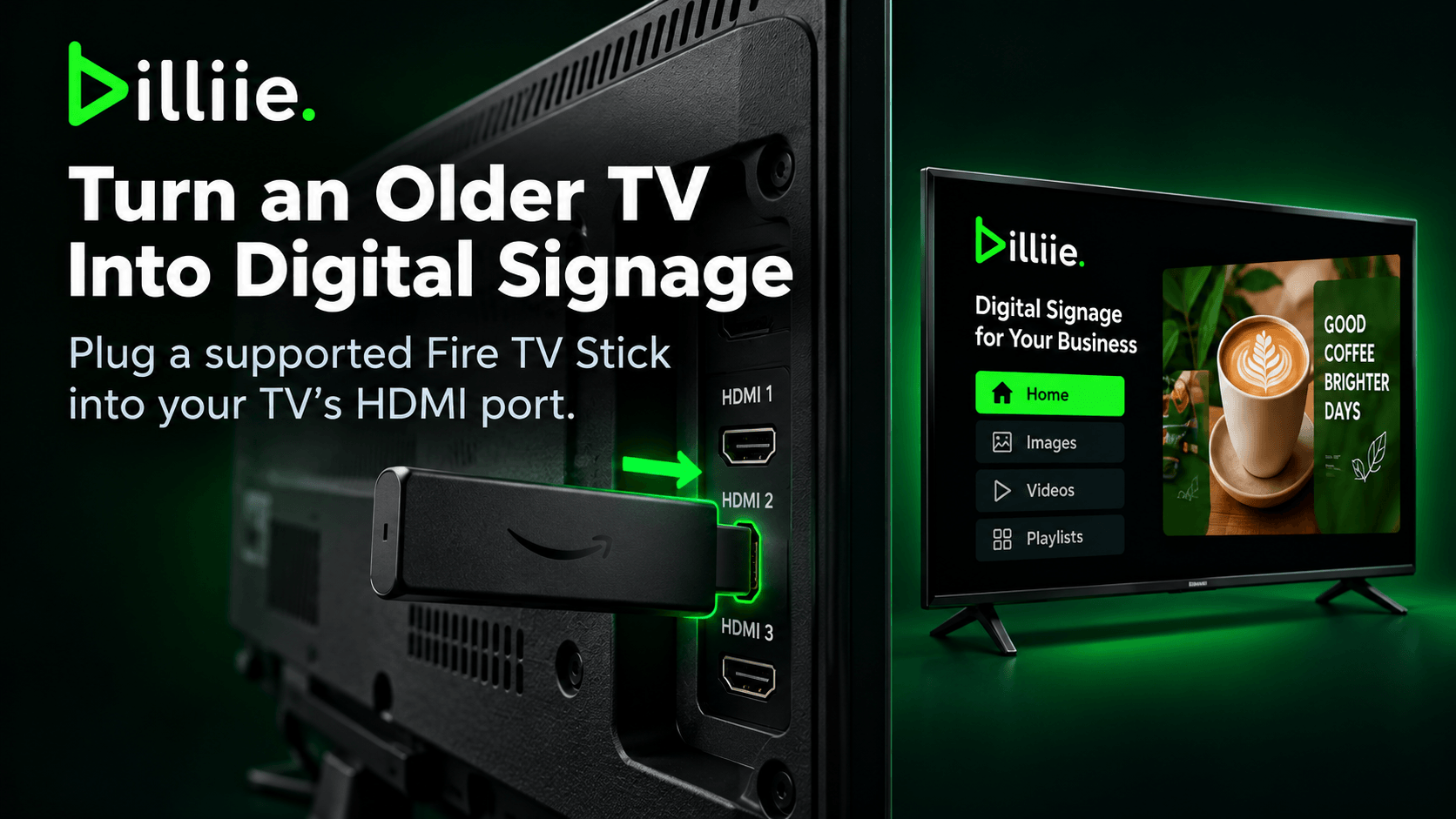
You can use Billiie on a compatible Fire TV set or supported Fire TV Stick. A Fire TV Stick connects through HDMI, so it may let you use a TV you already own as a menu board or promotional screen.
Android TV Options
You can also look for a supported Android TV device with access to Google Play. Ask to search for Billiie on the display model, since “smart TV” alone doesn’t tell you which apps it can run.
What If I Want a Commercial Display?
A commercial display may be useful if your screen will run for long hours or sit in a demanding location. Ask whether it has HDMI so you can connect a supported device, and check the display’s operating hours and mounting options against your plans.
Before you leave the store: confirm how you’ll run Billiie, whether the screen is the right size for your space, and whether it has the connections you need. Samsung TV app support is coming soon, so check the available setup before buying a Samsung TV specifically for Billiie.
Already have a compatible TV? Download the Billiie app and create your account to get started.
Do You Need a Commercial Display, or Will a Regular TV Work?
For many small businesses, a regular TV is enough to get started with Billiie. If you’re showing a menu above the counter, daily specials near the register, or announcements in a waiting room during business hours, a compatible Fire TV or Android TV setup may meet your needs.
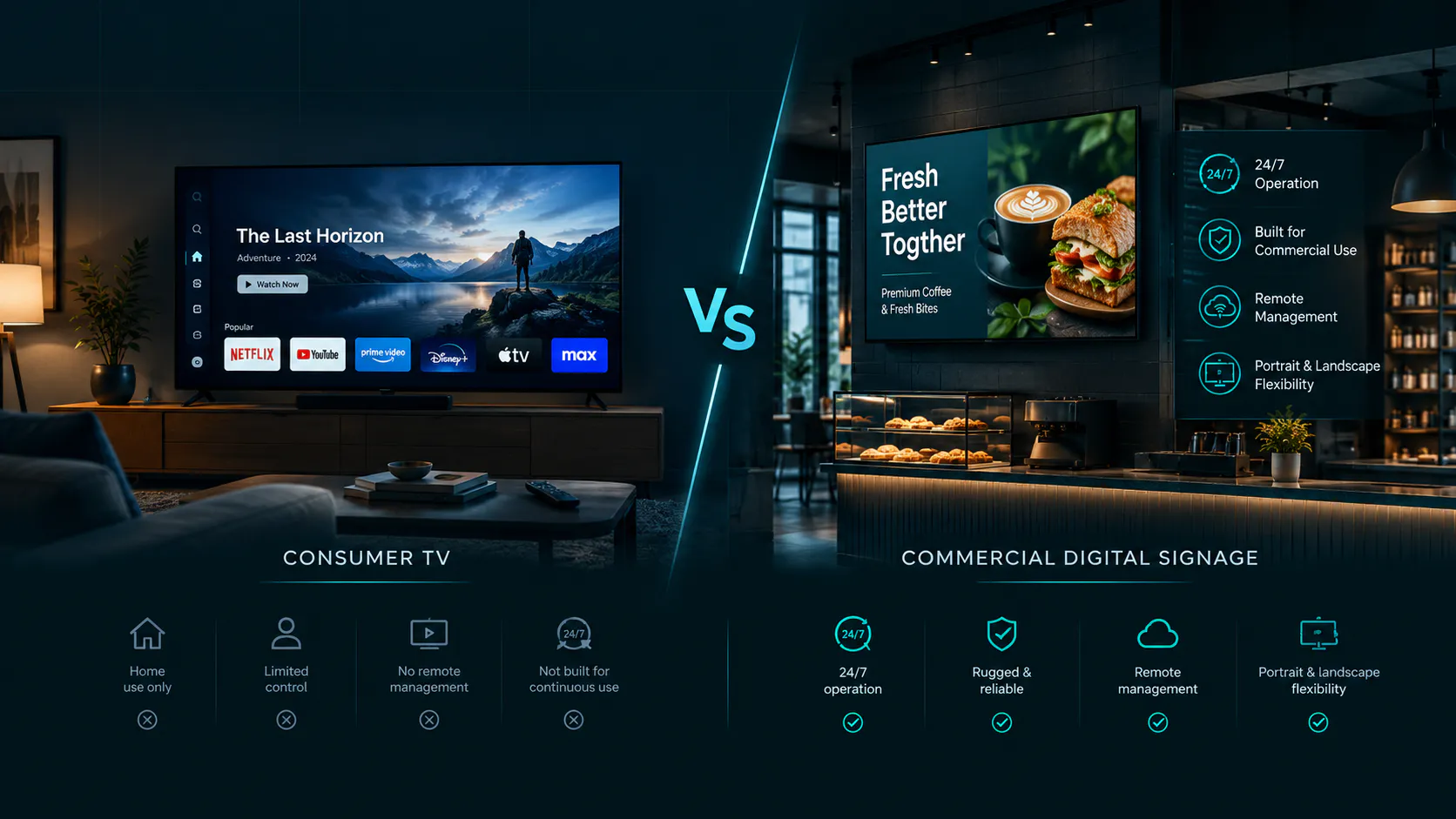
A commercial display is worth considering when the screen will run for very long hours, face strong light, or be mounted vertically. These displays are designed for business use, but they usually cost more. Check the model’s specifications and warranty before deciding.
Here’s a simple way to choose: start with where the screen will go and how many hours a day it will be on. Then confirm how you’ll run Billiie on it. If you’re shopping in person, ask the sales associate to show you the app on a working Fire TV or Android TV display. If you plan to use a separate supported device, make sure the screen has an HDMI port.
Which Screen Should You Choose?
The best digital signage screen is one that fits your space, operating hours, and budget. For many small businesses, a smart TV for digital signage is a practical starting point. Billiie runs on supported Fire TV and Android TV devices, so you can use a compatible TV or connect a supported device to a TV with HDMI.
A regular TV can work well for digital menu boards, daily specials, and waiting room announcements during business hours. Consider a commercial display if the screen needs to run for longer hours, face strong light, or be mounted vertically.
Before you buy, ask a sales associate to search for Billiie on a working Fire TV or Android TV display. Already have a compatible screen? Download the app and create your Billiie account to get started.
Frequently Asked Questions
Can I use a regular TV for digital signage?
Yes. A regular TV with an HDMI port can be used with a supported Fire TV or Android TV device. If the TV itself supports the Billiie app, you may be able to install it directly.
Do I need a commercial display to use Billiie?
No. Many small businesses use compatible TVs for menus, promotions, and announcements. Consider a commercial display if you need a screen designed for longer operating hours, strong light, or vertical mounting.
Will Billiie work on any smart TV?
No. “Smart TV” describes many different operating systems. Look for a supported Fire TV or Android TV device, and search for Billiie in its app store before buying.
Can I use a TV I already own?
If it has a working HDMI port, you may be able to connect a supported Fire TV or Android TV device. You can then install Billiie on that device and pair the screen with your account.
What can I show on a Billiie digital signage screen?
You can upload finished images and videos for menus, specials, promotions, announcements, and other business messages. Billiie also lets you schedule content and manage your screens remotely.
Ready to bring Billiie to your business?
Manage your screens, content, and locations from one simple dashboard.
No commercial signage hardware neededPowered by Billiie